Legau is the leverage you've never had on drafting and reviewing legal work.
No credit card. Works inside Word and Outlook.
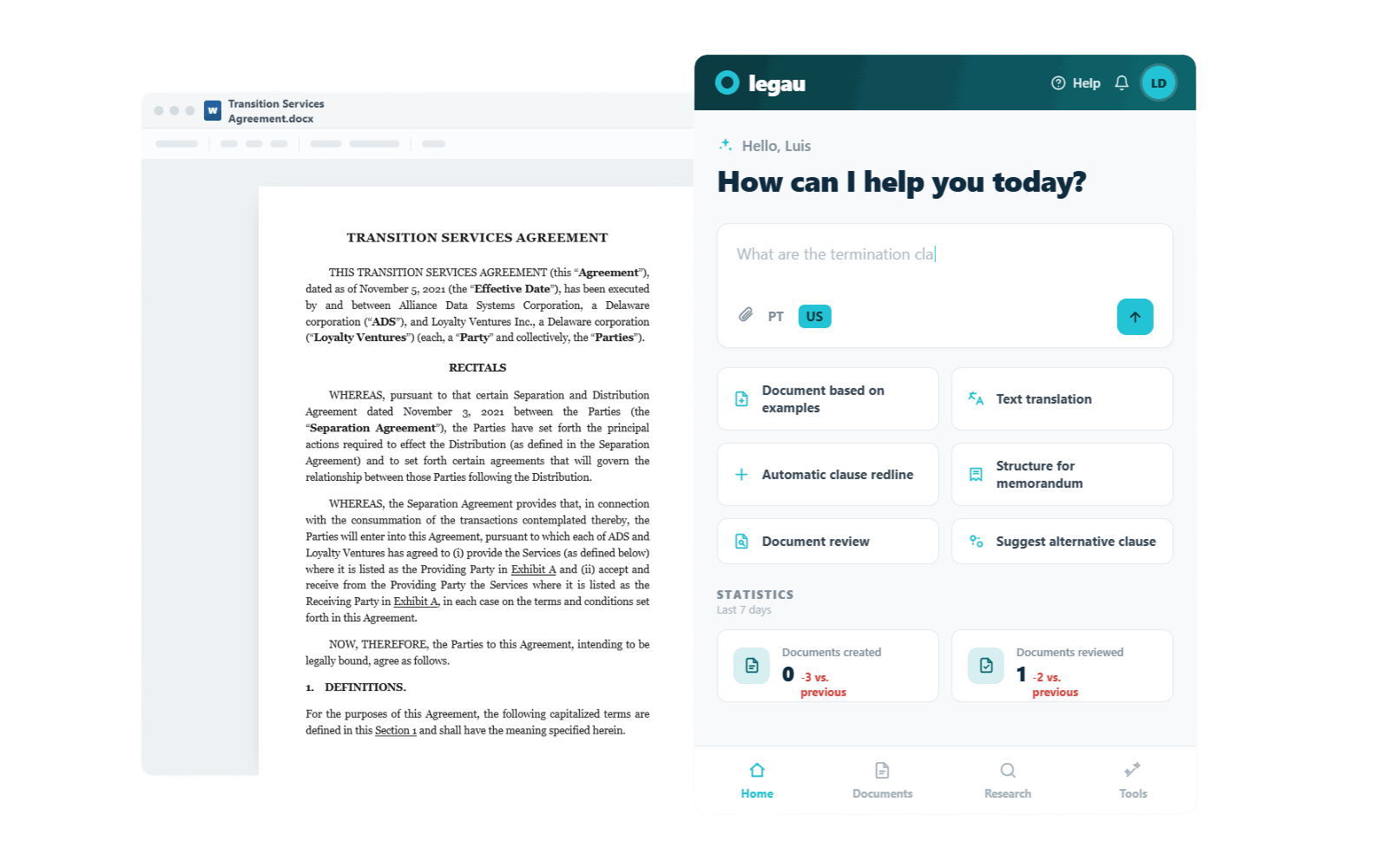
5.7 hours of every day go into admin, business, and marketing work. You went solo to practice law on your terms, but now you're only practicing it in the margins. Legau makes that time count for more.
I know how much of legal work happens before the final answer. The searching. The drafting. The redlines. The clause you know you wrote before but cannot find when you need it. The pressure of getting your advice right while the rest of the day keeps moving.
That is the work I knew as a lawyer and the work Legau was built to support by bringing reliable legal leverage into Word and Outlook, where the work already happens.
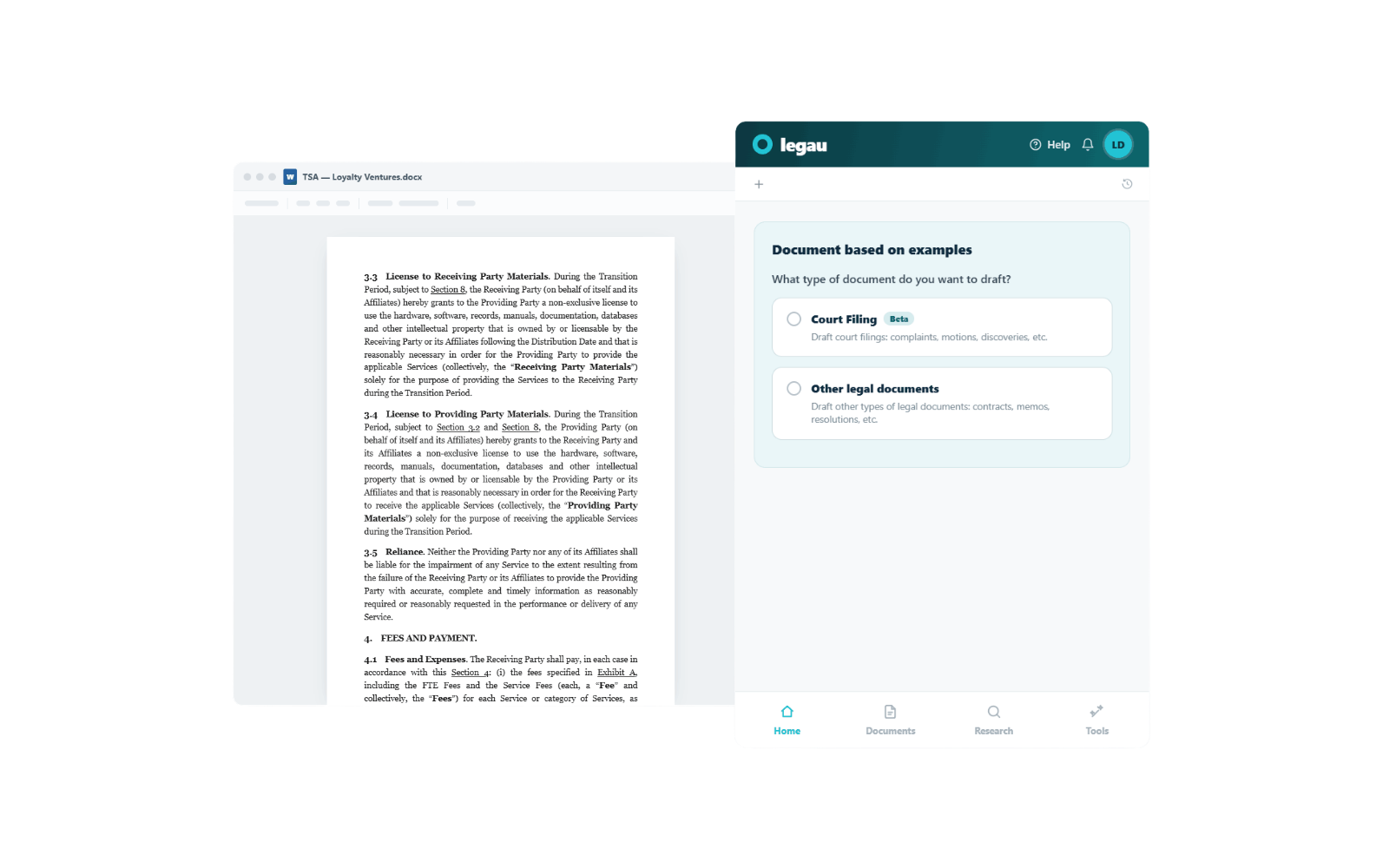
Create contracts, motions, memos, and other legal documents directly inside Microsoft Word, with the right context already there to help the work move faster.
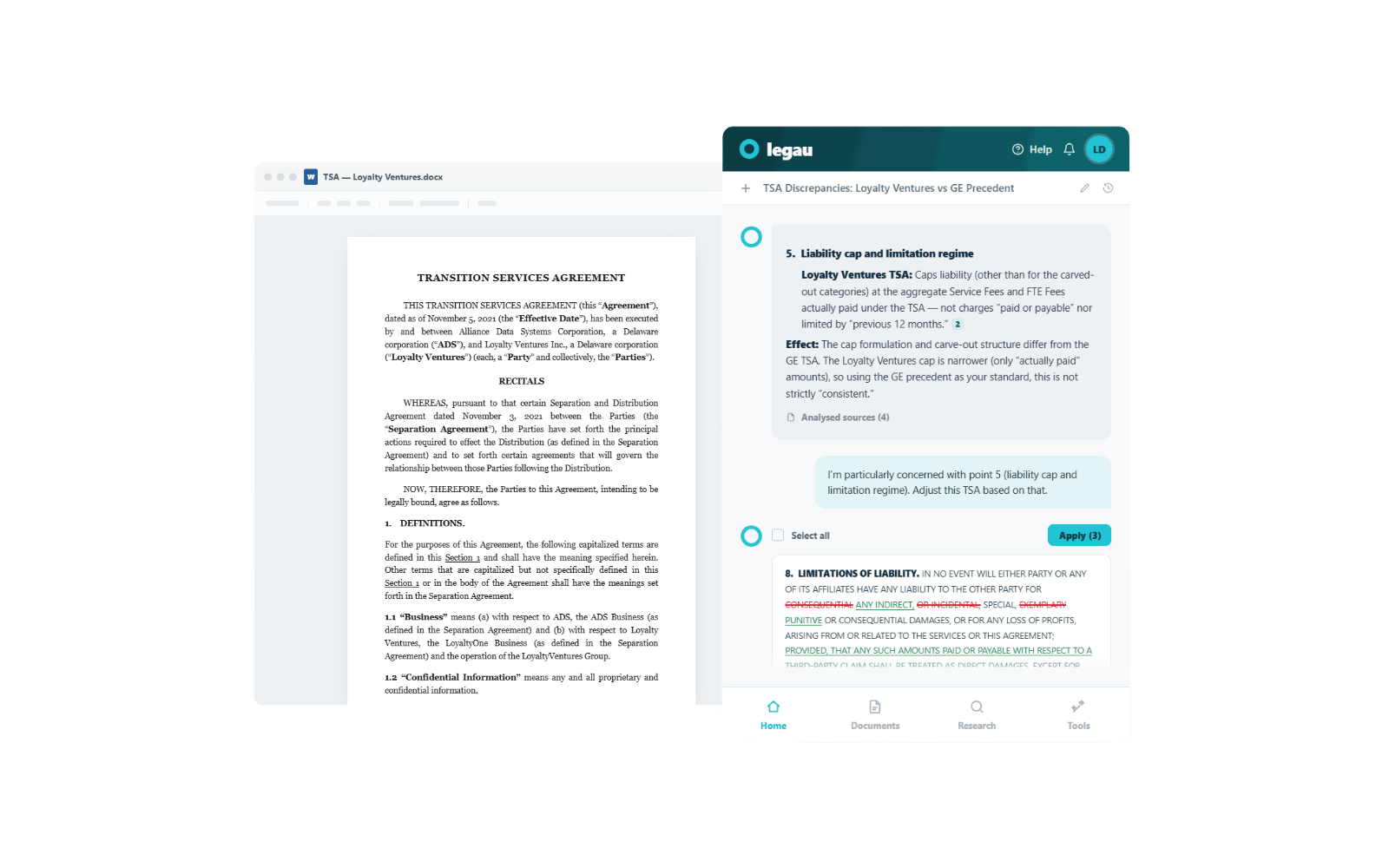
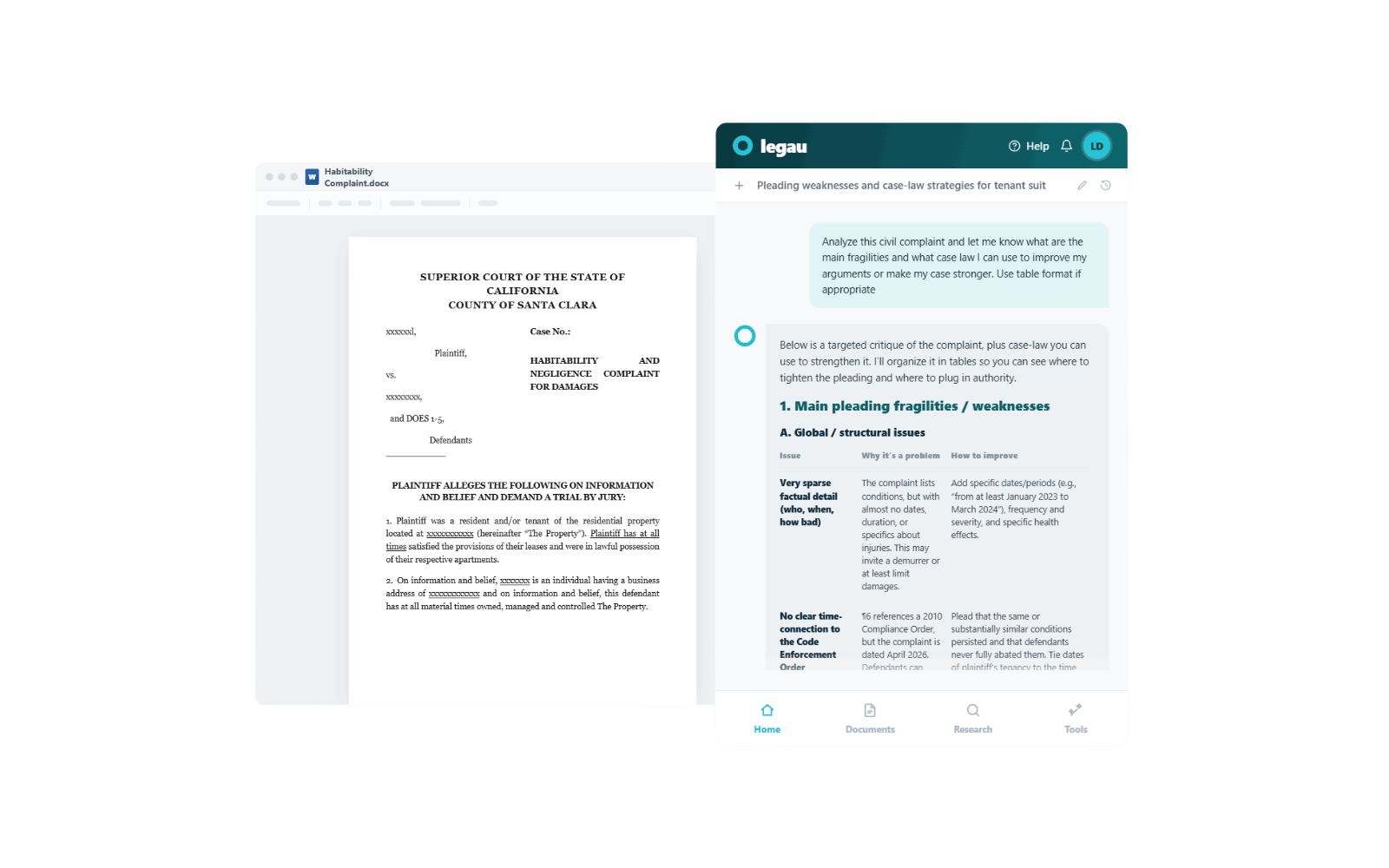
Compare documents, catch legal risks, generate redlines, and get a second set of eyes, so review feels less like another thing weighing on you only.
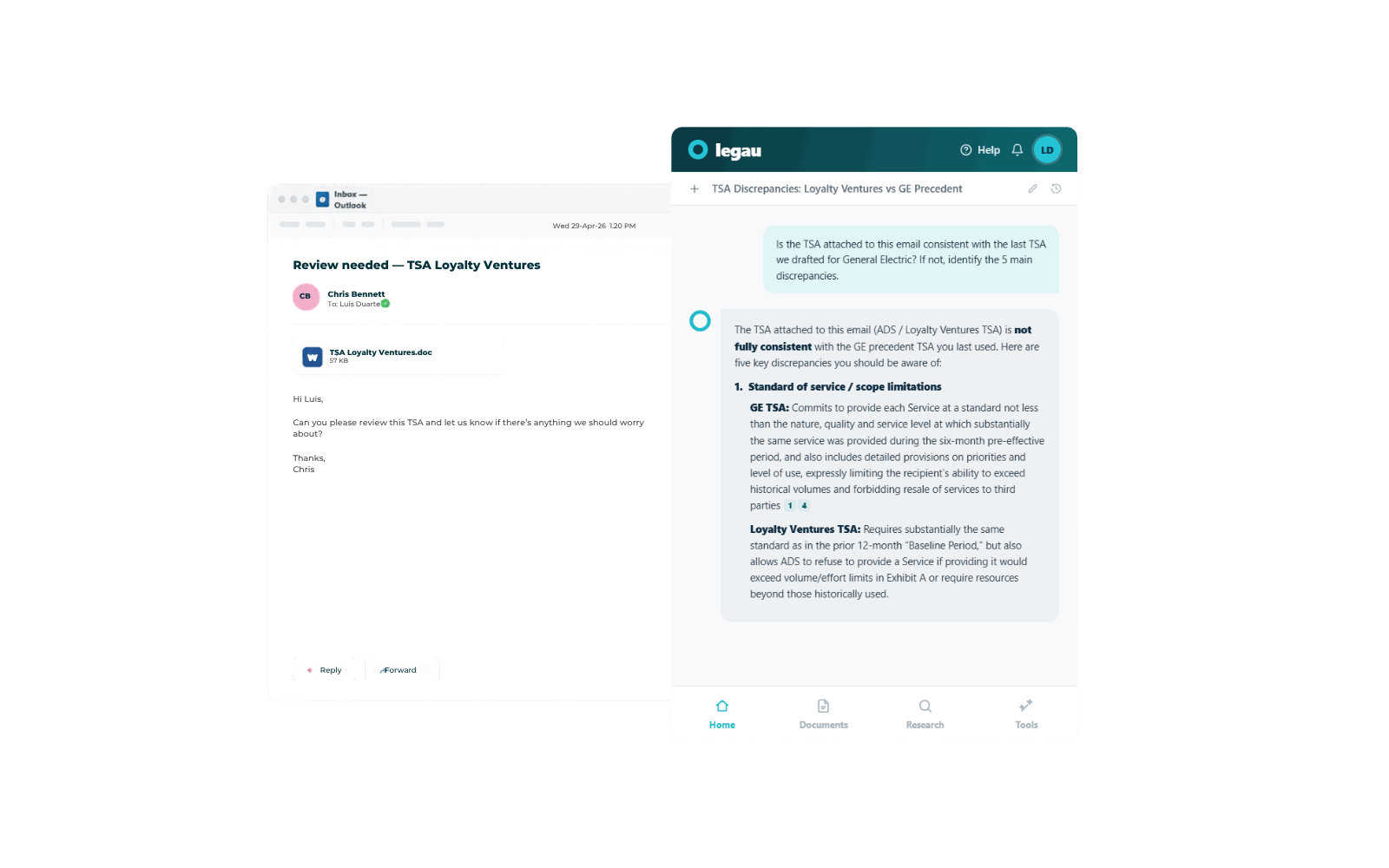
Summarize long threads, draft replies, create legal emails from scratch, analyze documents, and save your own templates without leaving Outlook.
Works inside the tools you already have. You're running it the same day you sign up. And because simple still has to be safe, Legau keeps client data isolated, grounds answers in legal context, and shows sources when it matters.
|
General AI
(like ChatGPT or Claude)
|
Legau
(legal AI for solos)
|
|
|---|---|---|
| Focus | Broad, generalized knowledge for everyday tasks | Purpose-built exclusively for solo legal practitioners |
| Training Data | Scraped from unverified open internet sources | Trained strictly on verified, high-quality legal documents |
| Workflow | Manual prompting; good only for rough first drafts | End-to-end automation tailored to solo legal workflows |
| Jurisdiction Knowledge | Lacks local nuance, risking non-compliance | Hyper-localized expertise tailored to your specific jurisdiction |
| Privacy & Safety | Often exposes sensitive client data to public models | Bank-grade security; zero data retention for complete confidentiality |
| Accuracy & Sources | Prone to hallucinations and incorrect legal citations | Highly accurate legal analysis with transparent, verifiable citations |
| Setup & Pricing | Requires heavy customization and endless prompt engineering | Ready to use workflows with transparent, solo-friendly pricing |
"I used to spend three hours on a Saturday reviewing opposing counsel's revisions just to make sure defined terms didn't break. Legau does the mechanical check in seconds, so I can just read for intent."
"The integration is what sold me. I didn't want another login. It just sits right there in Word, and when I'm stuck staring at a blank non-compete clause, it pulls exactly how I drafted it for my last three clients."
"It actually feels like having an eager junior associate who has memorized every document I've written since 2018. It doesn't write my arguments, but it sets the table perfectly every time."
No. Legau is built to give you leverage, not to replace you. It drafts, reviews, and surfaces legal context, but the final judgment and the responsibility stay with you. That's the only way legal AI works for a solo, and it's how we built it.
Two ways. First, every answer Legau gives is grounded in real legal sources (court decisions, doctrine, current legislation). Second, Legau shows you its sources so you can verify before you sign anything.
Yes, secure. No, not used to train. Your data is encrypted in transit and at rest, isolated from other users, and never used to train models. Confidentiality is the only way this product can exist for lawyers, so we built it that way from day one.
Under 5 minutes. Legau works directly inside Microsoft Word and Outlook.
Legau works across most areas of solo practice: estate and probate, family, immigration, criminal defense, real estate, civil litigation, and general small-firm work. The deeper Legau goes with you (your templates, your past work, your DMS), the more it specializes to your area.
Yes. The paid plans (monthly, quarterly, yearly) can be cancelled or paused at any time, and you keep access through the end of the period you've paid for.
Bring it into one matter. Keep it if it earns its place.
No credit card. Works inside the tools you already use.